
In today’s fast-paced digital landscape, the interface of an application or website plays a critical role in shaping user experience. One of the most effective strategies to enhance user engagement and productivity is through the implementation of a minimal user interface (UI). Minimal UI refers to the design approach that reduces visual clutter, simplifies interactions, and emphasizes essential elements to guide users toward their objectives. By removing unnecessary components, minimal UI not only creates an aesthetically pleasing experience but also significantly improves focus, allowing users to engage with content or complete tasks more efficiently.
At its core, minimal UI leverages the principle of simplicity. In a traditional interface filled with multiple buttons, banners, notifications, and sidebars, users often experience cognitive overload. Each additional element competes for attention, increasing the mental effort required to process information. Minimal UI combats this by presenting only the most critical information and interactive elements. This design strategy reduces distractions, enabling users to concentrate on the tasks at hand without being overwhelmed by extraneous details. By prioritizing clarity, users can achieve goals faster and with fewer errors, which in turn boosts satisfaction and confidence in the platform.
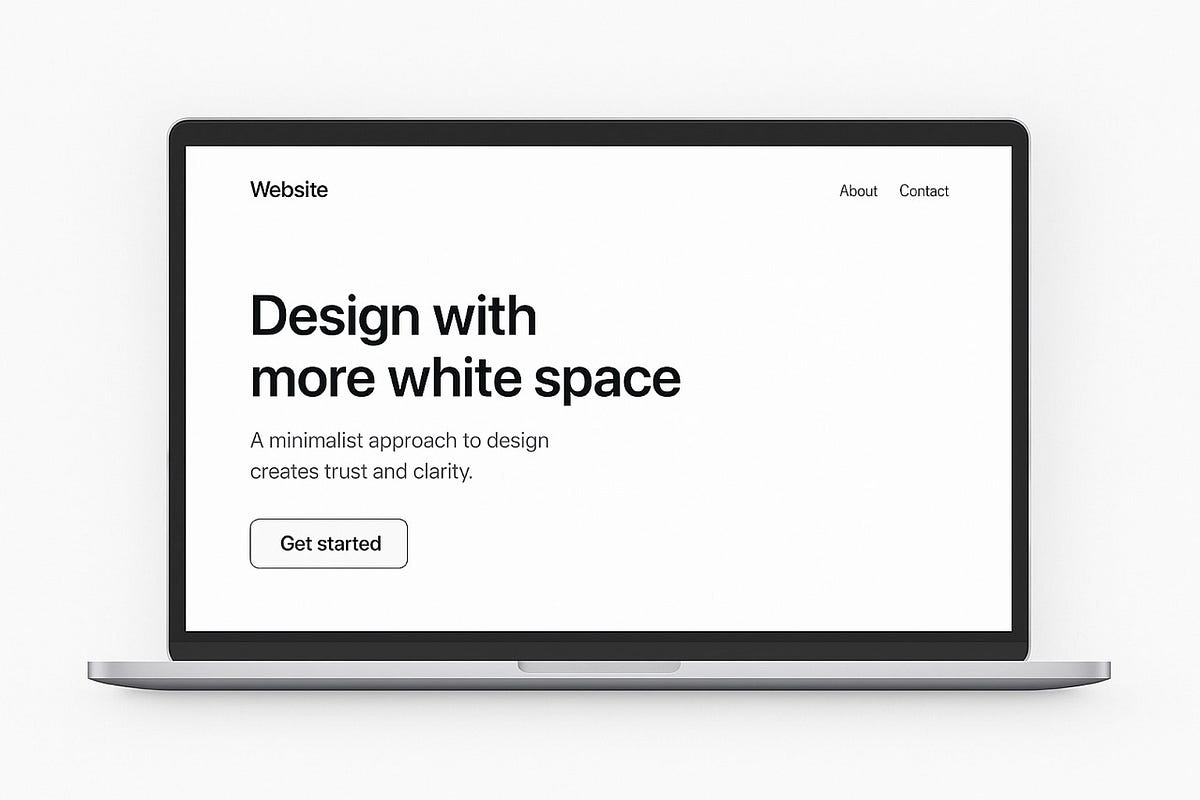
One of the key aspects of minimal UI is the strategic use of whitespace. Proper spacing between elements creates a sense of order and hierarchy, naturally guiding the eye toward important content. Whitespace prevents the interface from feeling crowded and ensures that actionable items stand out. For example, in a reading or productivity application, well-managed spacing allows the user to focus on the text or primary content without being sidetracked by secondary features. This subtle guidance enhances cognitive processing and promotes sustained attention, ultimately improving the efficiency of the user’s interactions with the system.
Typography also plays a crucial role in minimal UI. Clean, legible fonts with appropriate sizing and line spacing ensure that information is easily digestible. Excessive decorative fonts or inconsistent text sizes can disrupt reading flow, making it harder for users to focus. A minimal design typically relies on a restrained palette of fonts and styles, maintaining visual consistency while emphasizing readability. The careful hierarchy of headings, subheadings, and body text helps users scan content efficiently, quickly identifying relevant information without unnecessary mental effort.
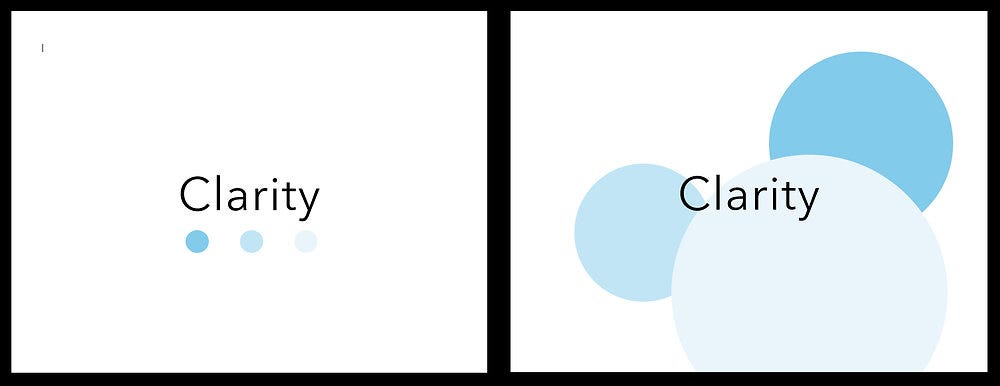
Color usage in minimal UI further reinforces focus. By limiting the color palette to a few complementary or neutral tones, designers prevent visual noise and avoid overwhelming users with too many competing stimuli. Highlighting key actions or notifications with a single accent color draws attention precisely where it is needed. This controlled use of color not only improves aesthetics but also supports task-oriented behavior. Users can easily distinguish primary functions from secondary ones, reducing the likelihood of mistakes and enabling more efficient task completion.
Another significant benefit of minimal UI is the improvement of user flow. Complex interfaces with multiple pathways and options can confuse users, leading to hesitation and mistakes. Minimal design emphasizes a linear or straightforward flow, making navigation intuitive and predictable. By reducing the number of choices at any given moment, users are less likely to experience decision fatigue and more likely to maintain focus on their objectives. Streamlined navigation also encourages engagement, as users feel confident moving through the application without unnecessary interruptions or frustration.
Minimal UI also fosters emotional calmness, which indirectly supports focus. Visual clutter and excessive notifications can generate stress and anxiety, detracting from the user’s ability to concentrate. A clean, minimalist interface creates a serene environment, allowing users to engage with content in a relaxed state. This emotional clarity contributes to better cognitive function, improving both short-term concentration and long-term retention of information. The combination of visual simplicity and reduced distractions ensures that users can interact with the system efficiently while experiencing a sense of control and comfort.
Furthermore, minimal UI supports accessibility and inclusivity. By eliminating superfluous elements and simplifying interactions, the design becomes easier to navigate for users with varying abilities. Clear visual hierarchies, consistent patterns, and intuitive layouts ensure that users can find what they need without extensive cognitive effort. In this way, minimal UI not only enhances focus for the average user but also promotes equitable access to digital tools and content.
The principle of minimalism extends beyond mere aesthetics; it aligns closely with human cognitive capabilities. Psychological studies indicate that individuals have a limited capacity for processing information at one time. By stripping away non-essential features, minimal UI aligns with this natural limitation, reducing cognitive load and improving working memory. Users are better able to process relevant information, make decisions quickly, and complete tasks accurately. In essence, minimal UI works in harmony with the brain, creating a design that feels intuitive and effortless.
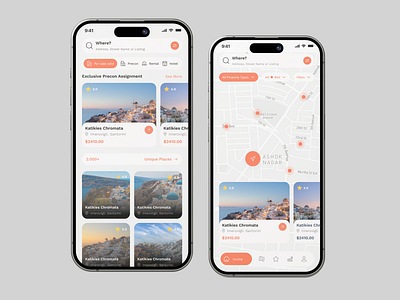
Mobile and web applications particularly benefit from minimal UI because screen real estate is limited. On smaller devices, cluttered interfaces can feel overwhelming, forcing users to scroll excessively or search for needed functions. Minimalist design ensures that every element serves a purpose, maximizing efficiency and usability. Gesture-based navigation, simple icons, and collapsible menus are common minimal UI strategies that preserve functionality while reducing visual complexity. By optimizing the interface for focus, designers enable users to accomplish more with fewer distractions, enhancing overall satisfaction.
In conclusion, minimal UI is not just a trend but a functional strategy that profoundly impacts user focus and productivity. Through simplicity, whitespace, typography, color, streamlined navigation, and emotional clarity, minimal interfaces reduce cognitive load and improve task efficiency. Users are able to process information faster, make better decisions, and experience less frustration, creating a more enjoyable and effective digital environment. Whether in productivity tools, reading applications, or web platforms, the adoption of minimal UI principles ensures that attention is directed where it matters most, fostering deeper engagement and ultimately supporting the success of both users and designers alike.

Leave a Reply